
I currently work in logistics within a semiconductor manufacturing environment in Pyeongtaek, Korea, where accuracy and process control are non-negotiable.
Based on this experience, I want to share logistics software tools that are practical, stable, and aligned with real-world inventory workflows—not just marketing promises. Zoho Inventory fits well into this category for small and mid-sized businesses.
I’ve worked around inventory and logistics long enough to know one thing:
Excel breaks down faster than people expect.
At the beginning, spreadsheets feel “good enough.”
Then SKUs increase, transactions pile up, and suddenly:
- stock numbers don’t match reality
- orders go out late
- no one is sure which data is correct
That’s usually the point where businesses start looking for a real inventory system.
Zoho Inventory is one of the tools I see SMEs consider most often, so here’s my honest take from a logistics perspective.
Who Zoho Inventory Actually Makes Sense For
Zoho Inventory is not built for massive automated warehouses.
It’s designed for businesses that are growing and need control without complexity.
It works well if you are:
- Running a small or medium-sized business
- Managing multiple SKUs across one or more locations
- Handling import/export or e-commerce orders
- Tired of Excel causing mistakes instead of solving them
If your operation involves heavy automation, RFID systems, or custom ERP logic, Zoho may feel limited.
But for most SMEs, that’s not the reality yet.
What Zoho Inventory Does Well (From a Practical View)
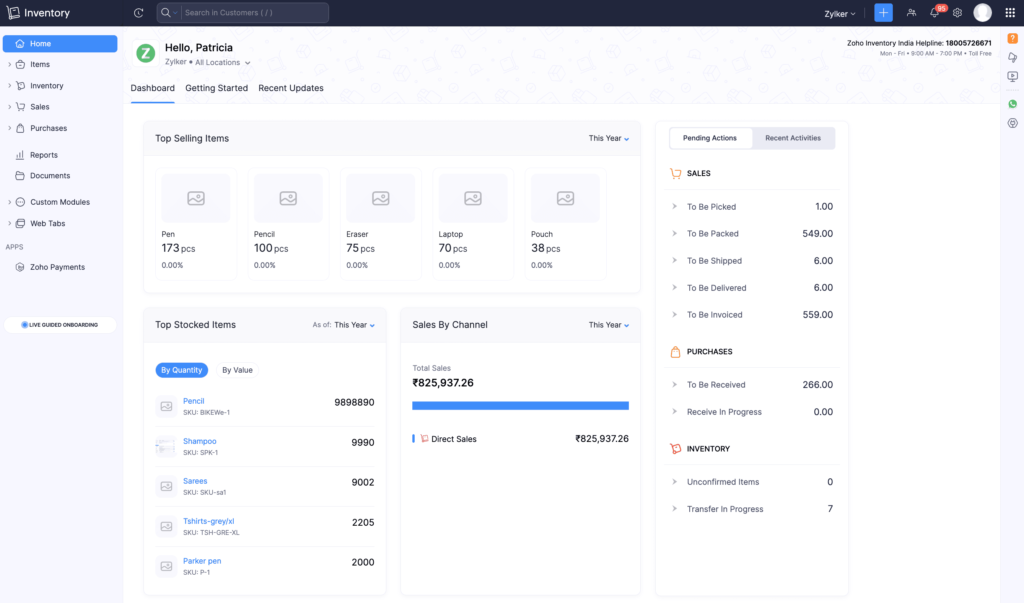
Clear, Reliable Stock Visibility
Zoho Inventory gives you a single source of truth:
- You can see what’s in stock
- What’s committed
- What’s moving in or out
This alone solves a huge number of day-to-day problems I see in small warehouses.
A Workflow That Matches Real Operations
Inventory isn’t just numbers — it’s flow.
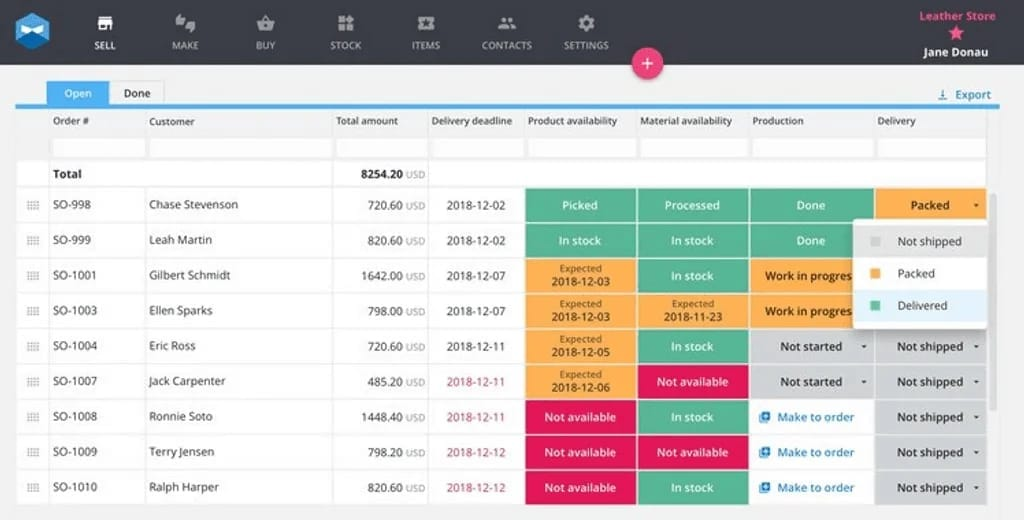
Zoho follows a logical sequence:
purchase → receive → store → sell → ship → report
That structure makes it easier for non-technical teams to follow processes instead of improvising every day.
Easy Setup Without an IT Team
This is one of Zoho’s strongest points.
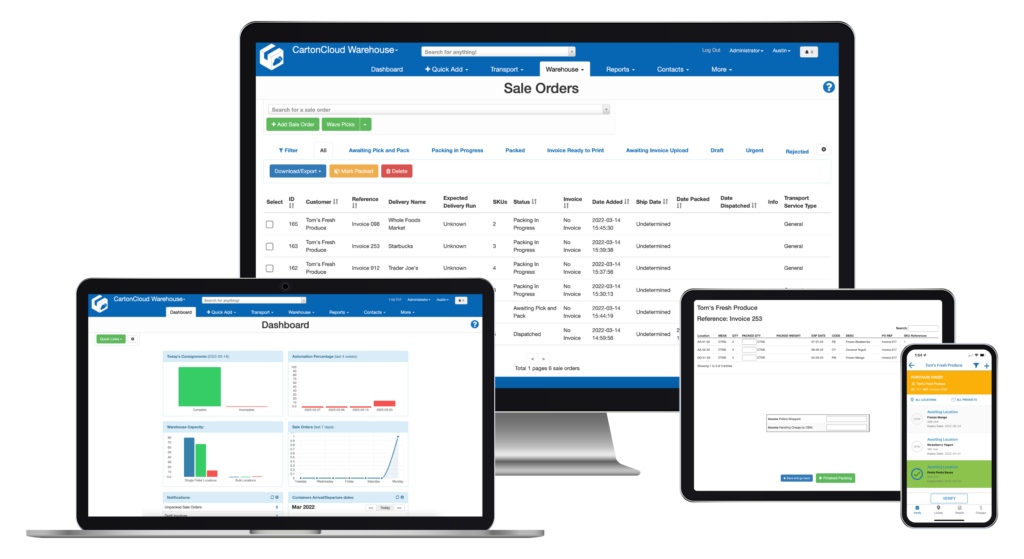
- No complicated installation
- Cloud-based access
- Clean interface
For SMEs, speed matters more than deep customization.
Where Zoho Inventory Can Feel Limiting
To be fair, no tool is perfect.
Some things to keep in mind:
- Advanced features depend on your plan
- Custom workflows are more limited than full ERP systems
- Large-scale industrial warehouses may outgrow it
This isn’t a flaw — it’s a design choice. Zoho focuses on simplicity and stability.
Questions You Should Ask Before Choosing Zoho Inventory
Before signing up, I recommend answering these honestly:
- How many SKUs do I manage today?
- Will I need multiple warehouses soon?
- Do I track products by batch or serial number?
- Do I need clean inventory reports for decisions?
If most answers are “yes,” Zoho Inventory is worth testing.
Getting Started: What I’d Do First
If I were setting this up for a small business, I’d follow this order:
- Create a trial account
- Upload products and SKUs
- Set opening stock properly (don’t rush this)
- Run a few test transactions
- Check reports and adjust before going live
Most inventory problems come from bad setup, not bad software.
Excel vs Inventory Software (The Real Difference)
Excel is flexible — but it depends on people being perfect.
Inventory software:
- enforces process
- records history
- reduces human error
Once operations grow, process beats flexibility every time.
Final Thoughts: Would I Recommend Zoho Inventory?
If you’re an SME that:
- has outgrown Excel
- needs clearer stock control
- wants something practical, not overengineered
Then yes — Zoho Inventory is a solid choice.
It won’t turn a bad process into a good one overnight, but it gives you the structure to fix problems before they become expensive.
Suggested CTAs (Natural, Not Salesy)
- Try Zoho Inventory Free Trial
- See If Zoho Inventory Fits Your Business
- Check Features and Pricing